UX Case Study
OpenROV
A mobile controller for the OpenROV Trident, evolved by field research at Monterey Bay and shipped as the production MVP to Trident's early backers.
Overview
Project Overview
The Short Version
Piloting an underwater drone from a phone had no interface precedent, and no room for onboarding. I designed the Trident controller around three decisions: test in real water instead of the studio, keep the cockpit view clean with controls under thumbs, and put engineers in the room for every session. The MVP shipped to the backers of a Kickstarter that hit 16× its goal.
The Problem
Piloting an underwater drone from a phone is disorienting. You can't see the drone, you're dealing with glare, wet hands, and zero spatial feedback , and there was no existing interface to learn from. We needed to design controls that felt intuitive from the very first session, with no onboarding safety net.
Business Goals
User Goals
My Role
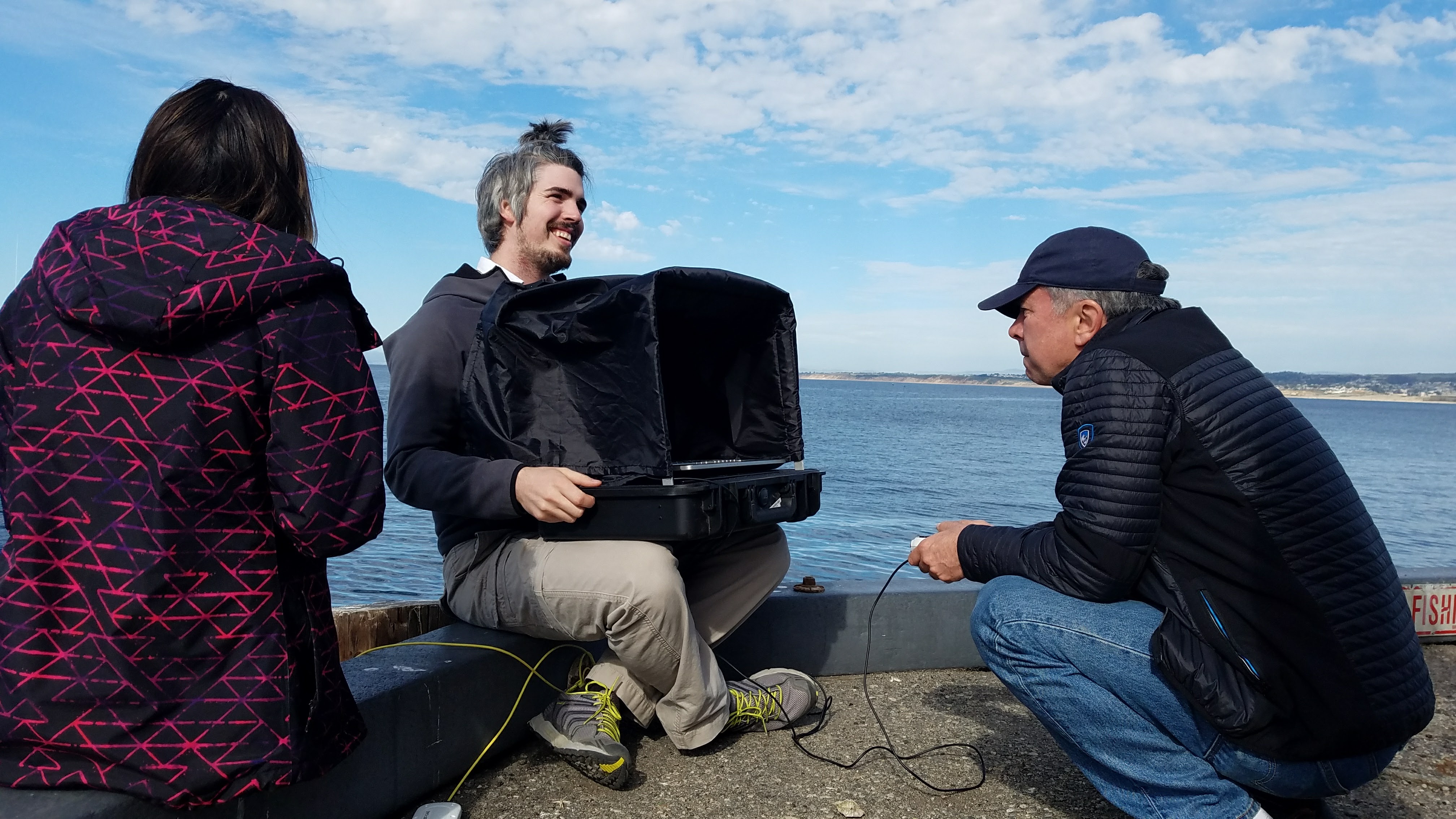
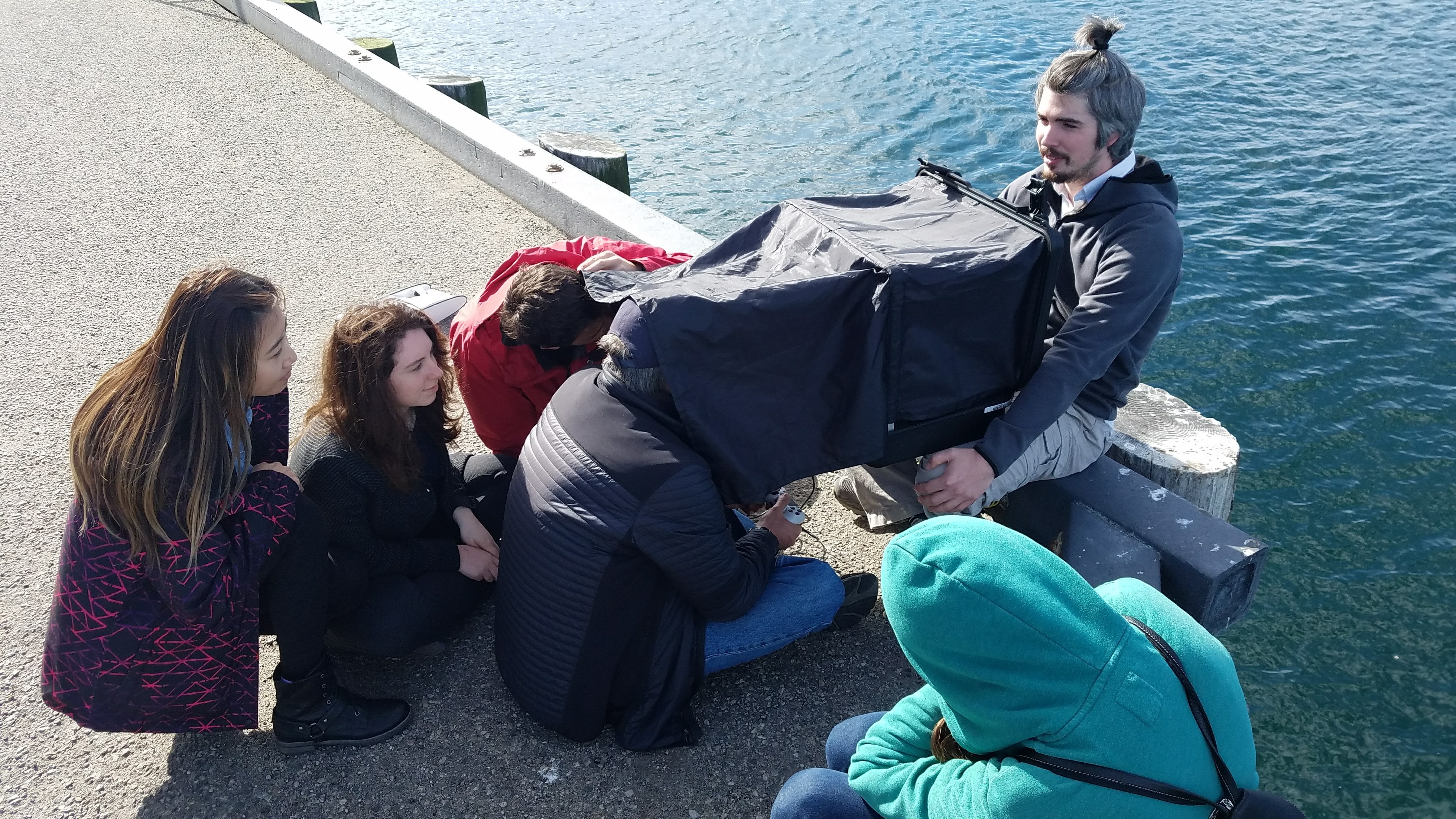
My design team and I conducted user testing both with and without the physical drone , including engineering stakeholders on-site so they could observe friction points firsthand. I designed and built the MVP prototype used for all subsequent testing. Having devs in the room meant change requests came with shared context, which is what drove the reduction in development time.
Working Across the Org
Engineering
Brought devs to every field session so change requests came with shared context, which is what cut development time.
Test pilots & backers
Ran sessions with and without the physical drone, watching first-time pilots in real water at Monterey Bay.
Design team
Split research and iteration so wireframes turned around between field tests instead of after them.
Product leadership
Kept MVP scope honest: a clean cockpit and reliable controls first, everything else behind the menu.
Research
Initial Research
Field Research
Organizing Our Findings
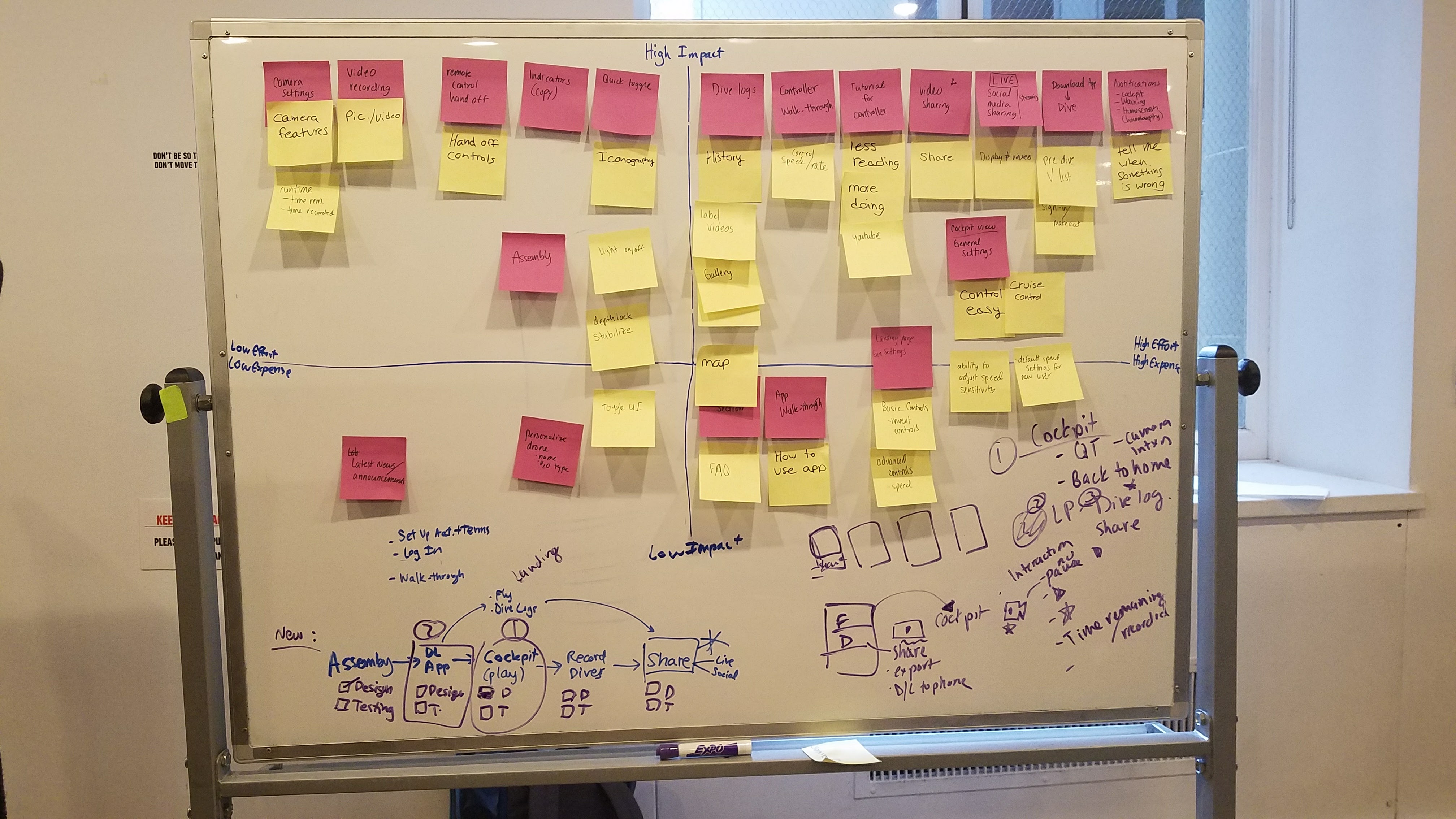
Affinity mapping of field observations and pre-order survey responses surfaced consistent behavioral patterns and unmet needs across both user segments.
Creating Personas
Use: Scout and film potential scuba diving sites
Wants: Simple recording controls she can operate without looking away from the live feed
Use: Explore underwater environments with his kids
Wants: A layout familiar enough that his children can pick it up without instruction
Research confirmed two distinct user segments: recreational beginners and experienced enthusiasts. The MVP was scoped around the beginner persona, with Expert Mode identified as a priority for the next iteration.
Wireframes
Wireframes & Testing
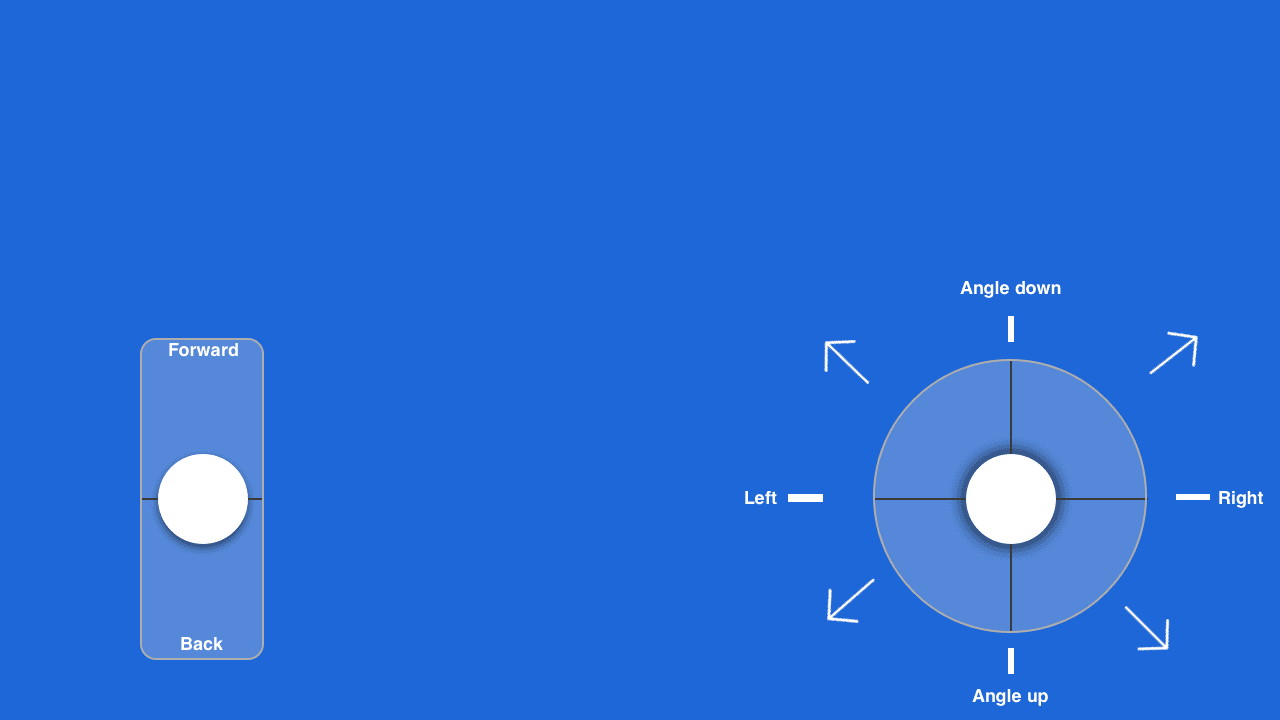
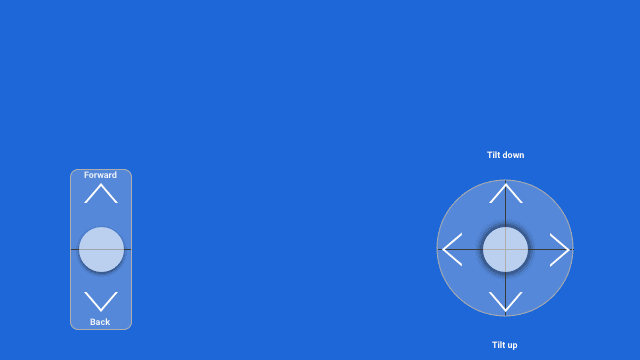
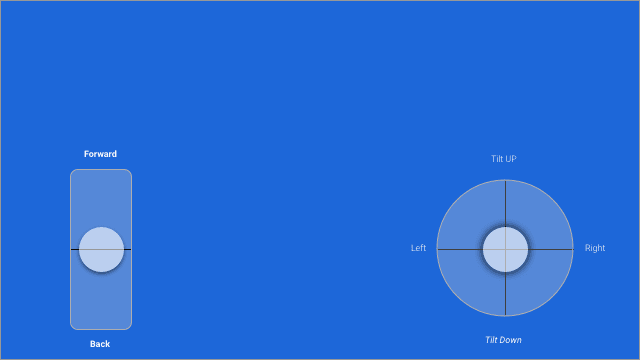
Three Controller Concepts
Three distinct layout directions explored how joystick placement, directional controls, and HUD hierarchy could be balanced on a small screen.
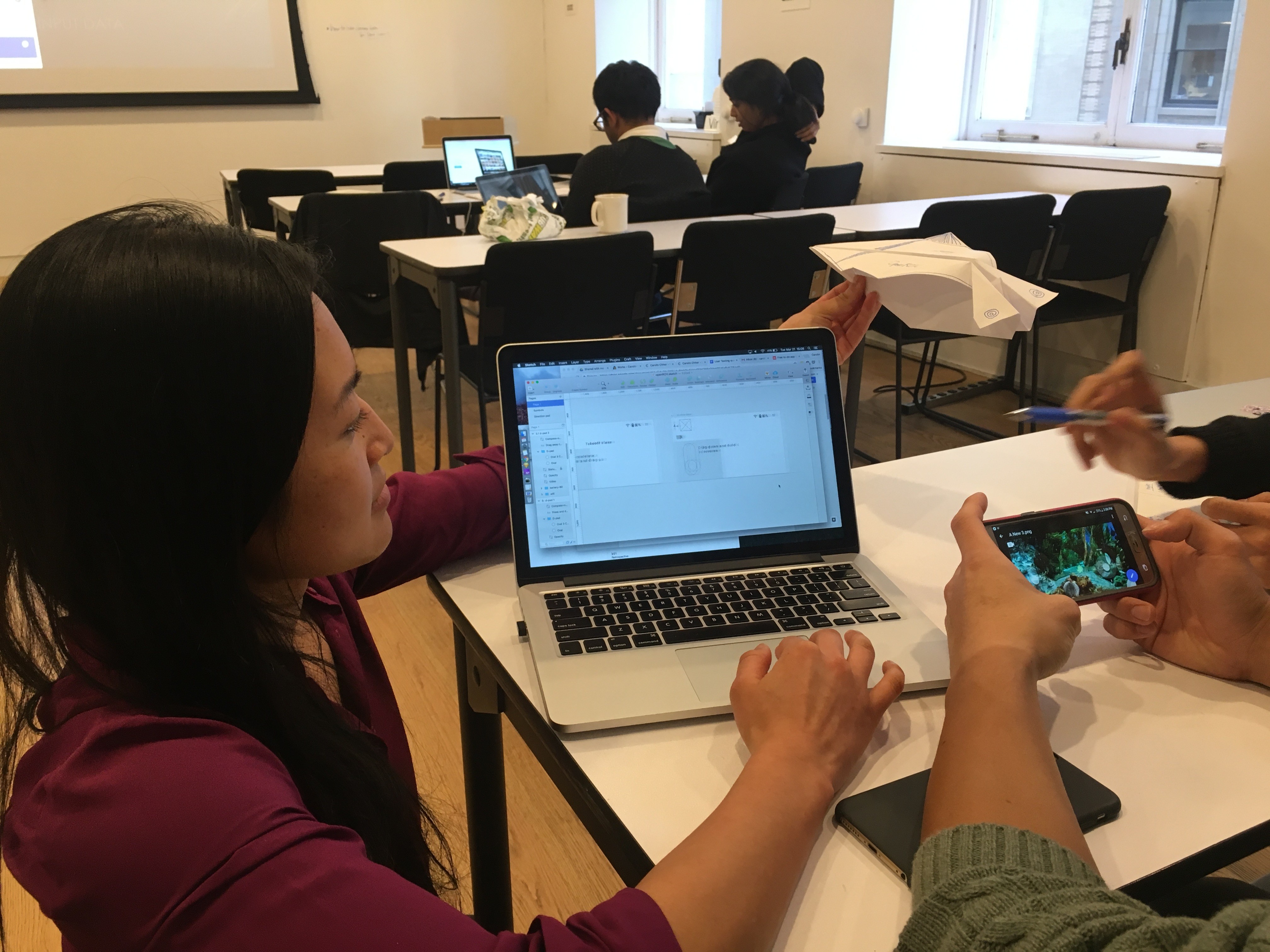
Simulated Testing Without Hardware
A paper airplane acted as a real-time drone surrogate, letting us evaluate spatial intuition and control feel before a single line of code was written.
V3 Validated as the Strongest Design
V3 emerged as the clear winner across all sessions, consistently matching users' existing mental models from gaming and aerial drone experience.
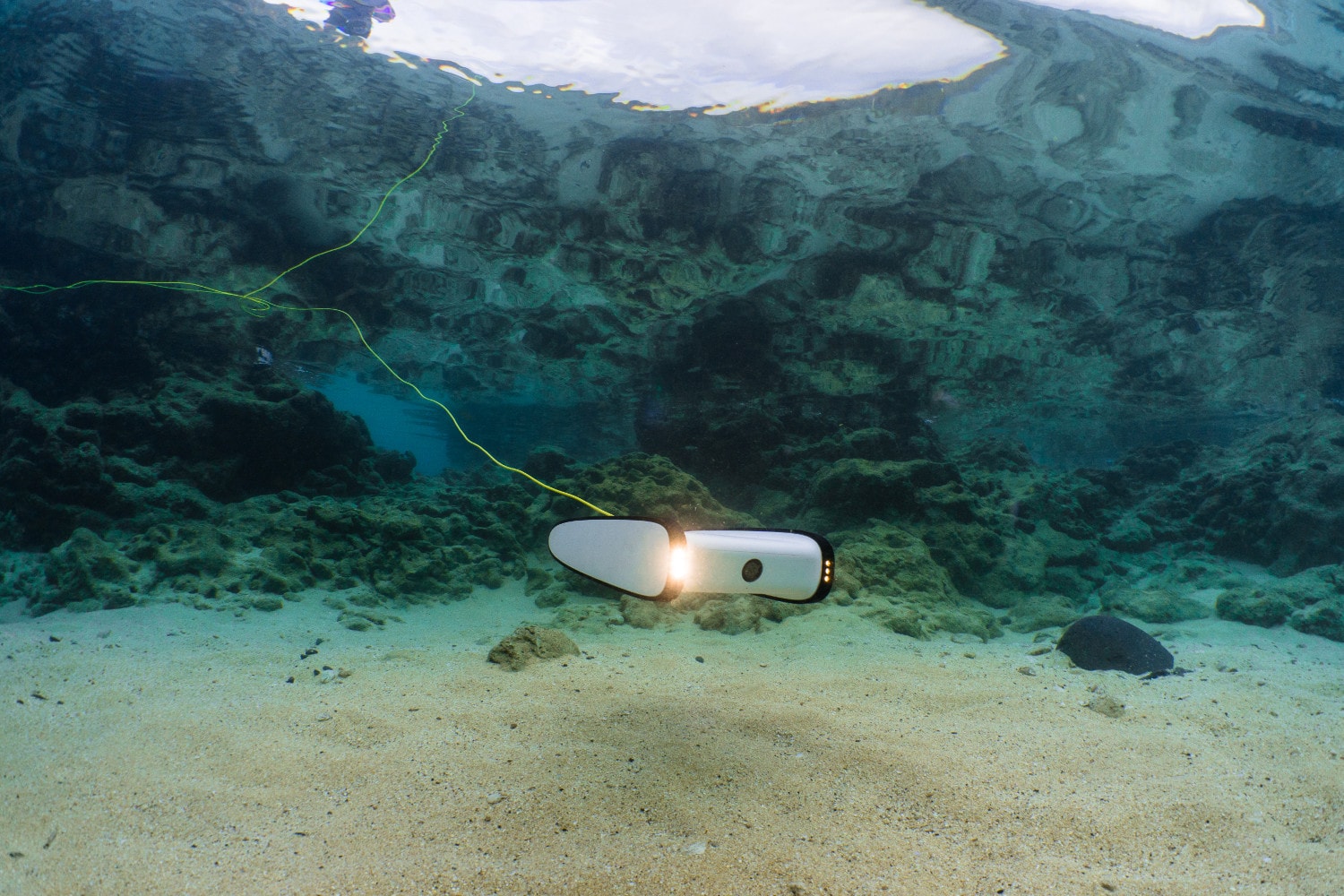
OpenROV Trident · Monterey Bay
Where the design met the real world.
High Fidelity
Field Testing & Micro Interactions
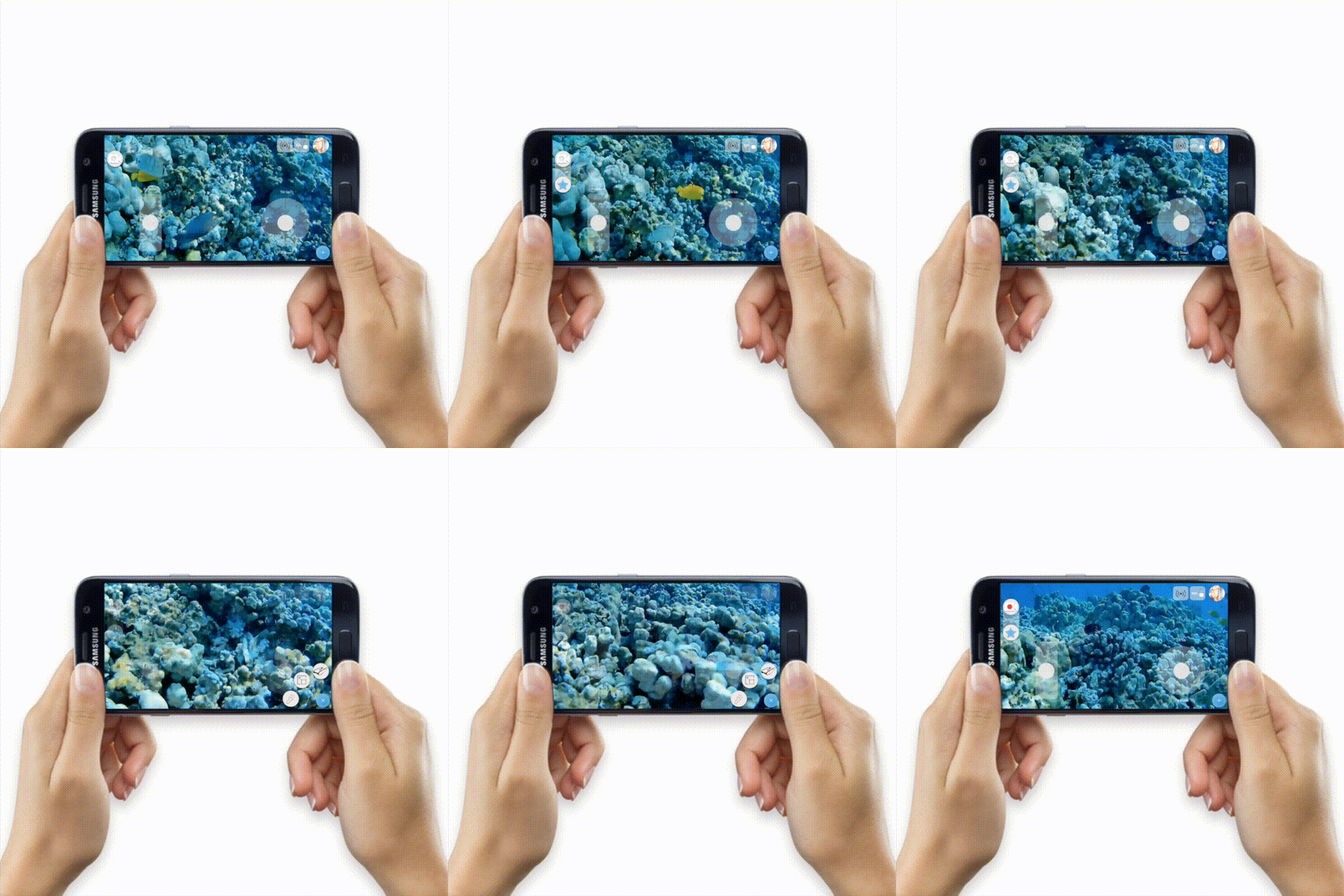
The MVP in Users' Hands
With V3 approved, engineering built a functional interface to our prototype spec. Putting a live app in users' hands for the first time revealed friction points no studio test could have predicted, and gave us precise, actionable direction for the next iteration.
Record & Star
One-tap starring lets users flag key moments mid-dive without interrupting the recording, dramatically reducing post-session review time.
Side Nav Controls
A transparent directional overlay keeps the live feed unobstructed while giving pilots precise, real-time spatial control.
Hidden Menu
Secondary controls tucked behind a single tap, preserving the clean cockpit view while keeping advanced options accessible within reach.
Live HUD
With a 3-hour dive window, battery visibility was non-negotiable: surfaced at a glance alongside depth and recording status, with visual weight kept deliberately subordinate to the live feed.
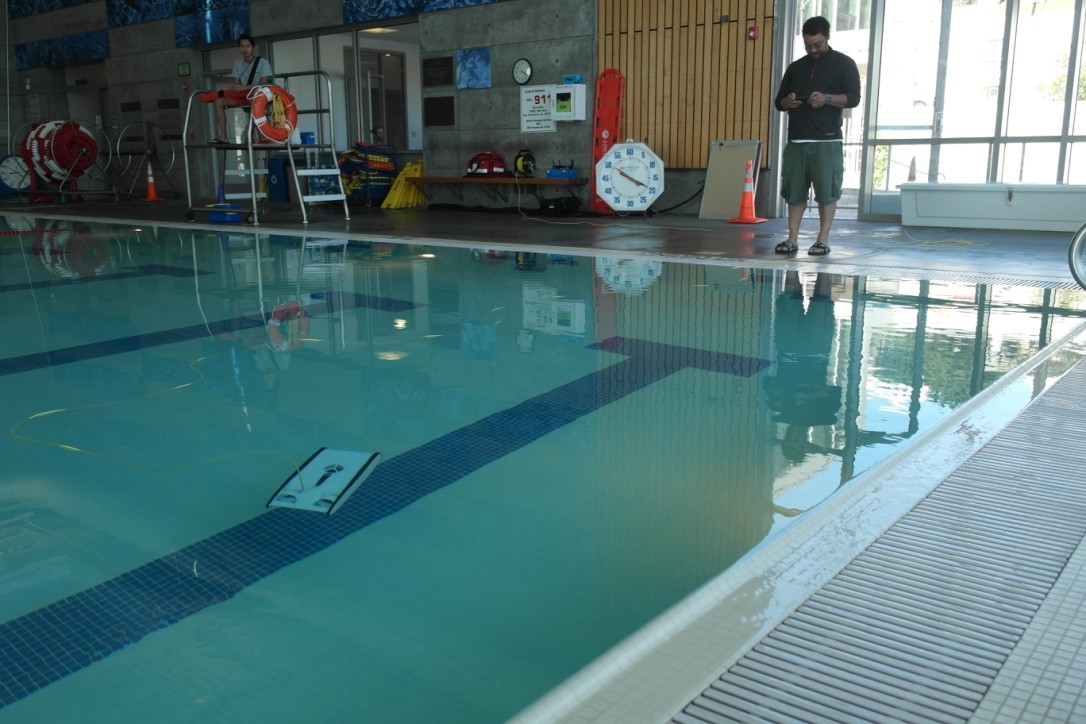
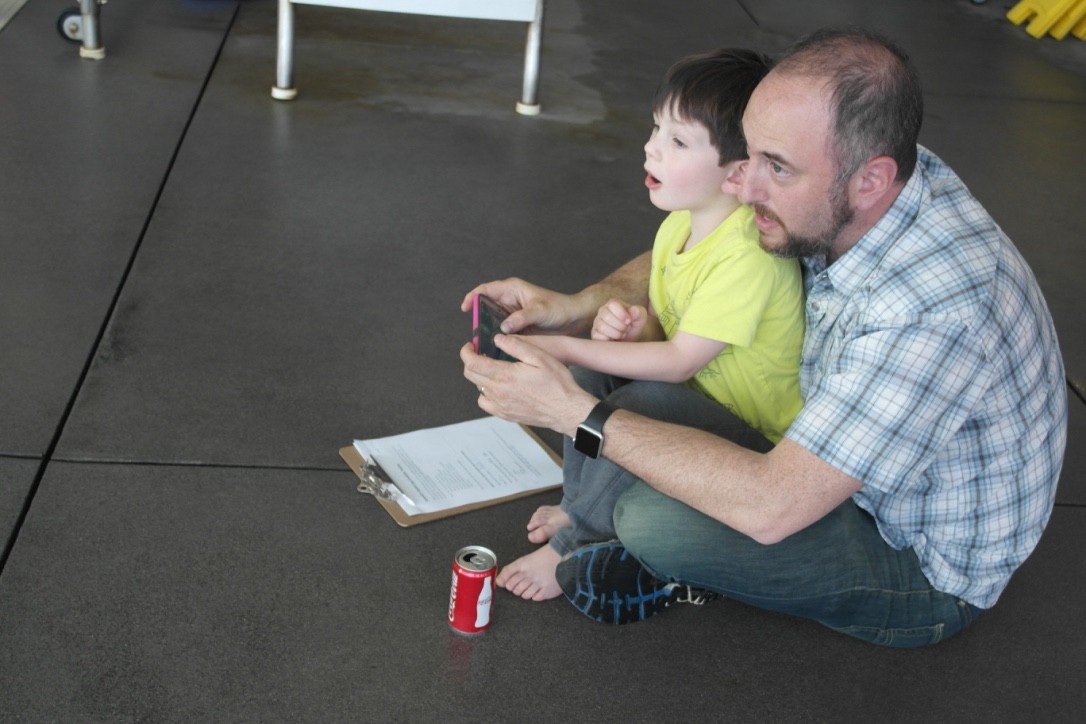
Field Test Summary
See the Drone in Action
Footage from our user testing day at Monterey Bay.
Outcomes
What We Delivered
Three rounds of iterative testing yielded a beginner-first controller that shipped as the MVP, giving Trident's early backers an experience that felt immediately familiar, and giving engineering a validated spec that reduced rework and accelerated delivery.
Next Steps
What's Next
Key Takeaway
"The most valuable design decisions came from being in the field, not the studio."
Watching real users pilot the drone in real water, dealing with glare, wet hands, and the chaos of a live environment, surfaced insights that no amount of controlled testing could have replicated. OpenROV is where I learned to take the prototype to the environment, and I've never designed a field tool from a desk since.
Run follow-up sessions to measure how each micro-interaction performs and track usability improvements across releases.
Design and validate Expert Mode, layering advanced controls into a separate mode without disrupting the proven beginner-first baseline.
Introduce user-adjustable sensitivity settings so pilots can tune control response to match their experience level and operating environment.
Build a media workflow (in-app clipping, annotation, and sharing) so the value of a dive doesn't end when you surface.